Why scattered bug reports slow your team down (and what to do instead)
A bug report isn't just a message to a developer — it's shared work for your whole team. When reports scatter across recordings and threads, everyone slows down. Here's why, and what to do instead.

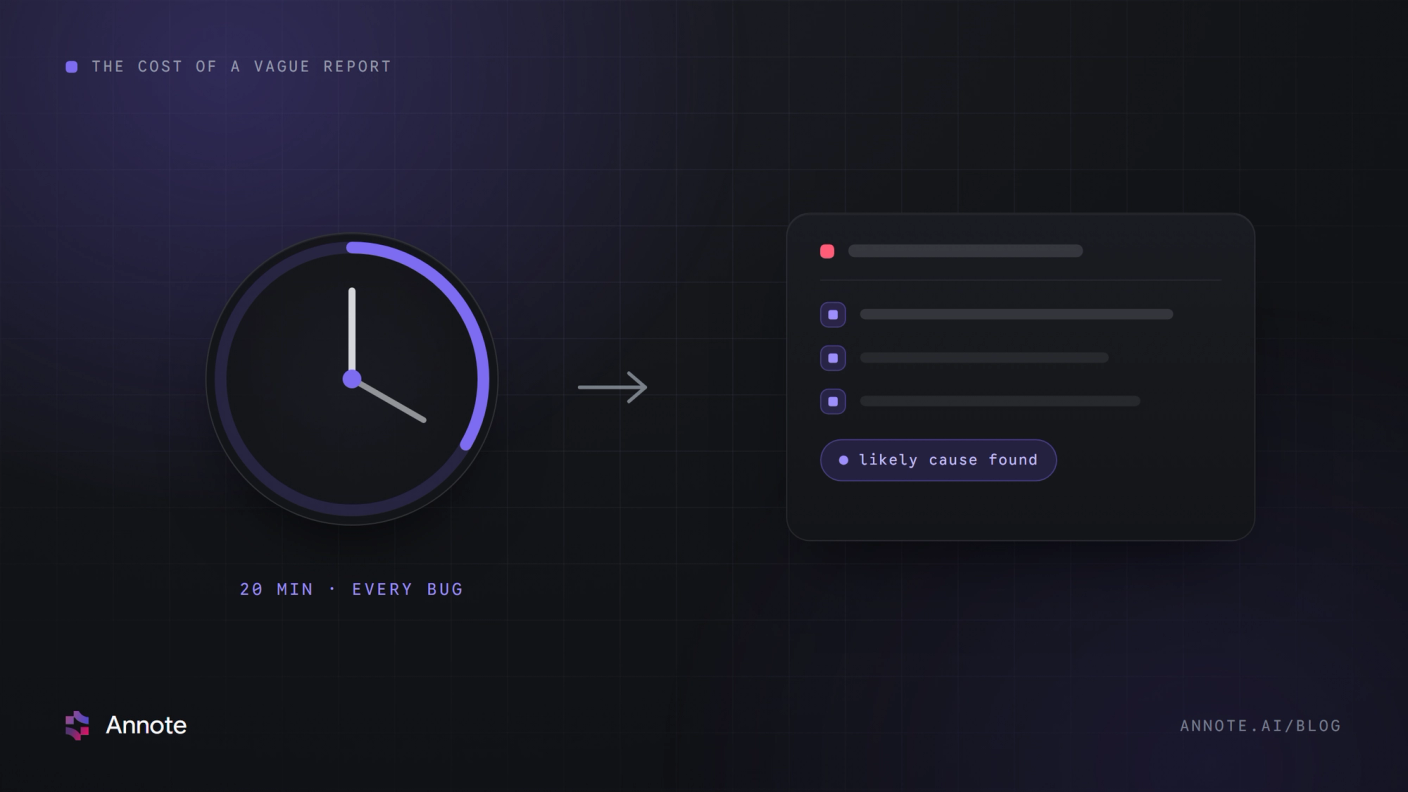
A bug report isn't really a message from one person to one developer. It's a piece of work your whole team touches — someone reports it, someone triages it, someone gets assigned, someone reviews it, someone resolves it. So when bug reports scatter across recordings, Slack threads, and email, you're not just losing a report — you're breaking the workflow around it. Here's why that quietly slows teams down, and how to fix it.
The real cost isn't a bad report — it's a broken workflow
A single vague report costs a developer some reproduction time, sure. But the bigger, hidden cost is what happens across the team:
- No shared source of truth. When feedback lives in five places, nobody knows the full list of what's open. Bugs get missed, duplicated, or forgotten.
- No shared state. Without a visible assignee, priority, and status, two people work the same bug — or nobody does, because each assumes the other has it.
- Disconnected discussion. The conversation about a bug happens in a thread far from the bug itself, so context evaporates and gets re-explained.
Individually these are small frictions. Across a backlog and a team, they're the difference between a QA cycle that flows and one that stalls.
What "organized" actually looks like
An organized bug workflow has three properties scattered reports lack:
- One place. Every bug for a project lives in a single shared session, so the whole team sees the same list.
- Shared state. Each bug has a visible assignee, priority, and status everyone can trust.
- Attached discussion. Comments and @mentions live on the bug, so context never leaves it.
From capture to collaboration
Getting there starts with capture, but it doesn't end there. The reporter clicks the broken element and describes it in plain words; the tool captures the technical context automatically — screenshot, console, network, actions — and an AI flags the likely cause. Then, crucially, that ticket lands in a shared, collaborative session where the team takes over: assign it, prioritize it, comment on it, resolve it — together, in one place everyone can see.
That's the model Annote is built on: not a scattered pile of individual reports, but one organized session your whole team collaborates in. Capture the bug, then actually work it together. See how it works. And if your feedback comes from clients and stakeholders too, here's how to keep website feedback in one place your whole team can work from.
 Ishaq Javed